 Textgram
Turn plain text into crisp Mermaid and PlantUML diagrams in Confluence, or describe one and let AI draw it
Write Mermaid or PlantUML in Confluence and get sharp, zoomable diagrams with a live preview. Describe a diagram and AI writes it. Everything renders inside Atlassian: no external servers, no extra accounts.
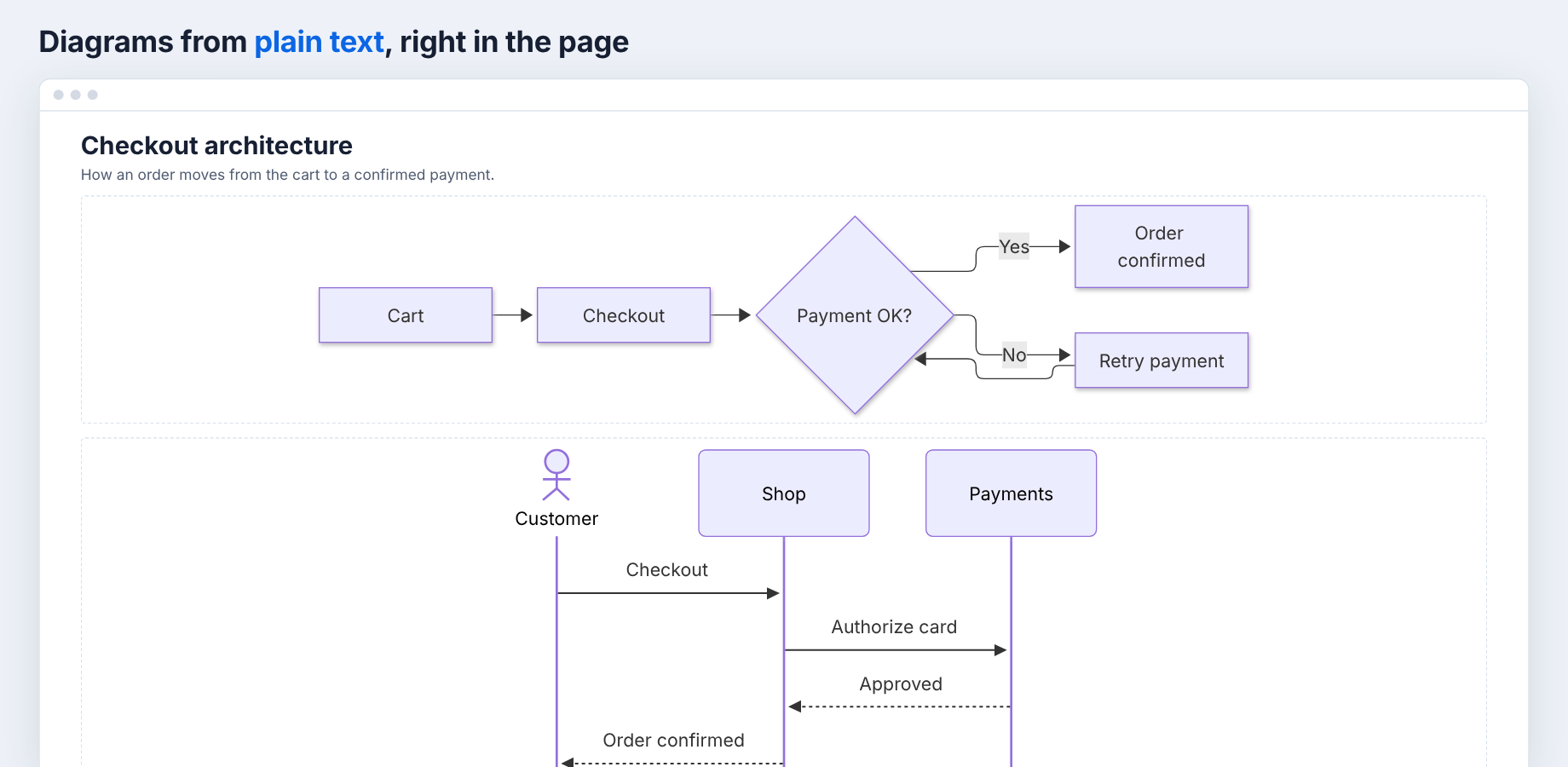
Diagrams from text, right in the page
Type /mermaid or /plantuml, write a few lines and get a sharp vector diagram. Zoom, pan or open it full screen; it follows Confluence's light and dark themes.
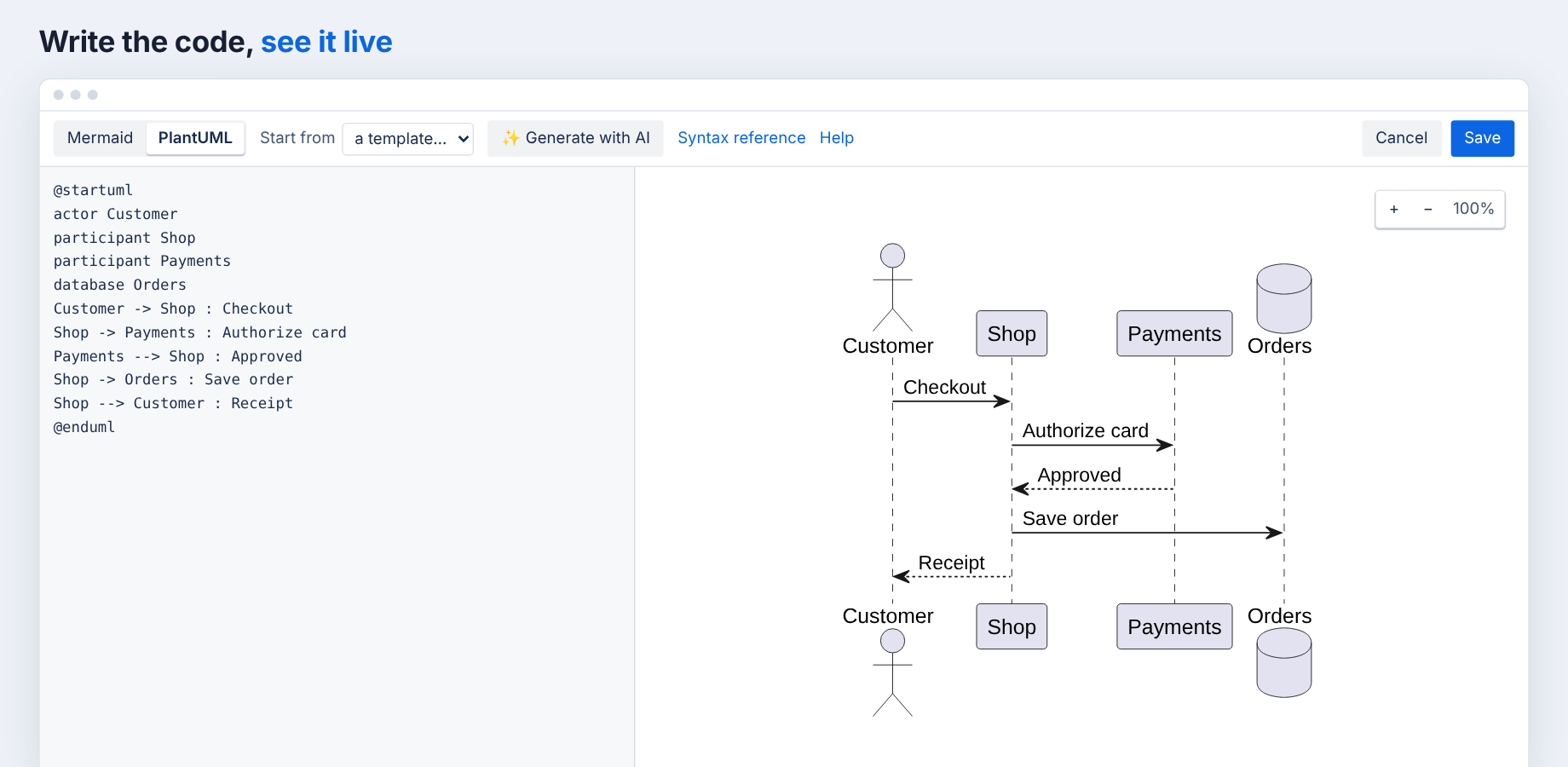
Live preview that tells you what's wrong
Edit code on the left and watch the diagram update on the right. Start from 17 templates; syntax errors point to the exact line.
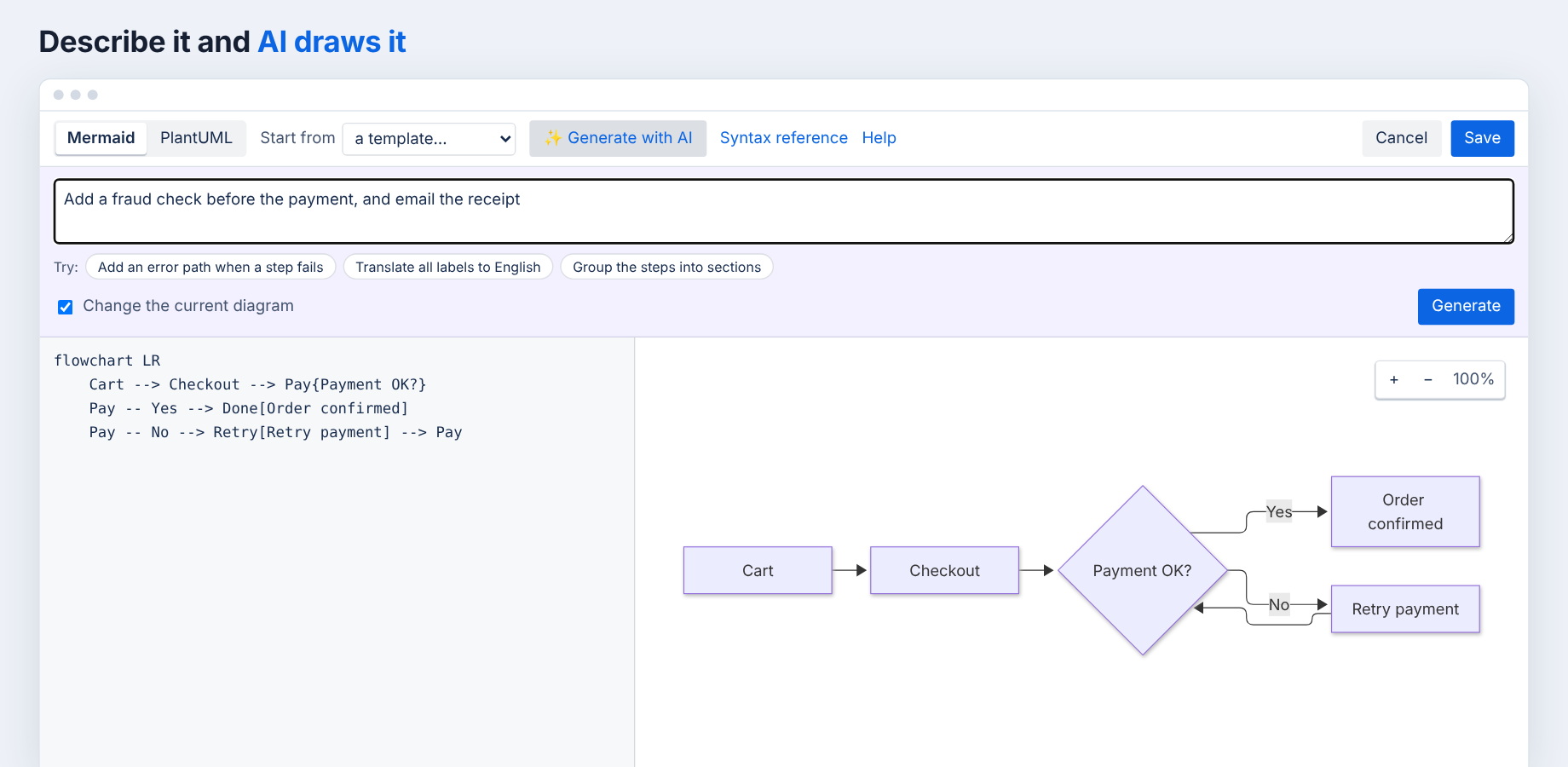
Describe it and AI draws it
Ask for a new diagram or a change to the current one, in any language. Invalid output is fixed automatically, and one click undoes it. Uses Atlassian-hosted AI.
Getting started
Install Textgram from the Atlassian Marketplace, then type /mermaid or /plantuml while editing a Confluence page. See the help pages for details.